
Jun 8, 2025 - 5 min read
Updated
AI Training Workshops: Bring One Real Task
Bring one everyday task to AI training. Practice writing a customer update, check the facts, and leave with instructions you can use yourself.

You have heard that AI can save you time. Then you open a chat window, stare at the empty box and wonder what you are supposed to ask it.
Meanwhile, there is a customer update you still need to write.
That is a useful place to start an AI training workshop. Bring the work you recognize. Use the session to find out whether AI can do a worthwhile part of it, what you need to check, and whether you can repeat the process yourself.
You do not need to arrive with a technical plan or know the names of the latest models. You need one task you can explain.
Choose something you already do
For a first session, I would choose a task that comes up regularly and produces something you can review before anyone else sees it.
Writing a customer update from your own notes is a good example. You already know what happened. You know what the customer needs to hear. You can judge whether the draft gets it right.
The Small Business Administration's guide to AI recommends starting small and testing whether a tool adds value. It includes repeat tasks and business writing among potential uses. That is a sensible starting point for training, too.
Keep the first exercise narrow. Ask for a draft of one update. Connecting your inbox, sending replies automatically and changing how the whole team works can wait until you understand the basic task.
Bring an example and a good finished version
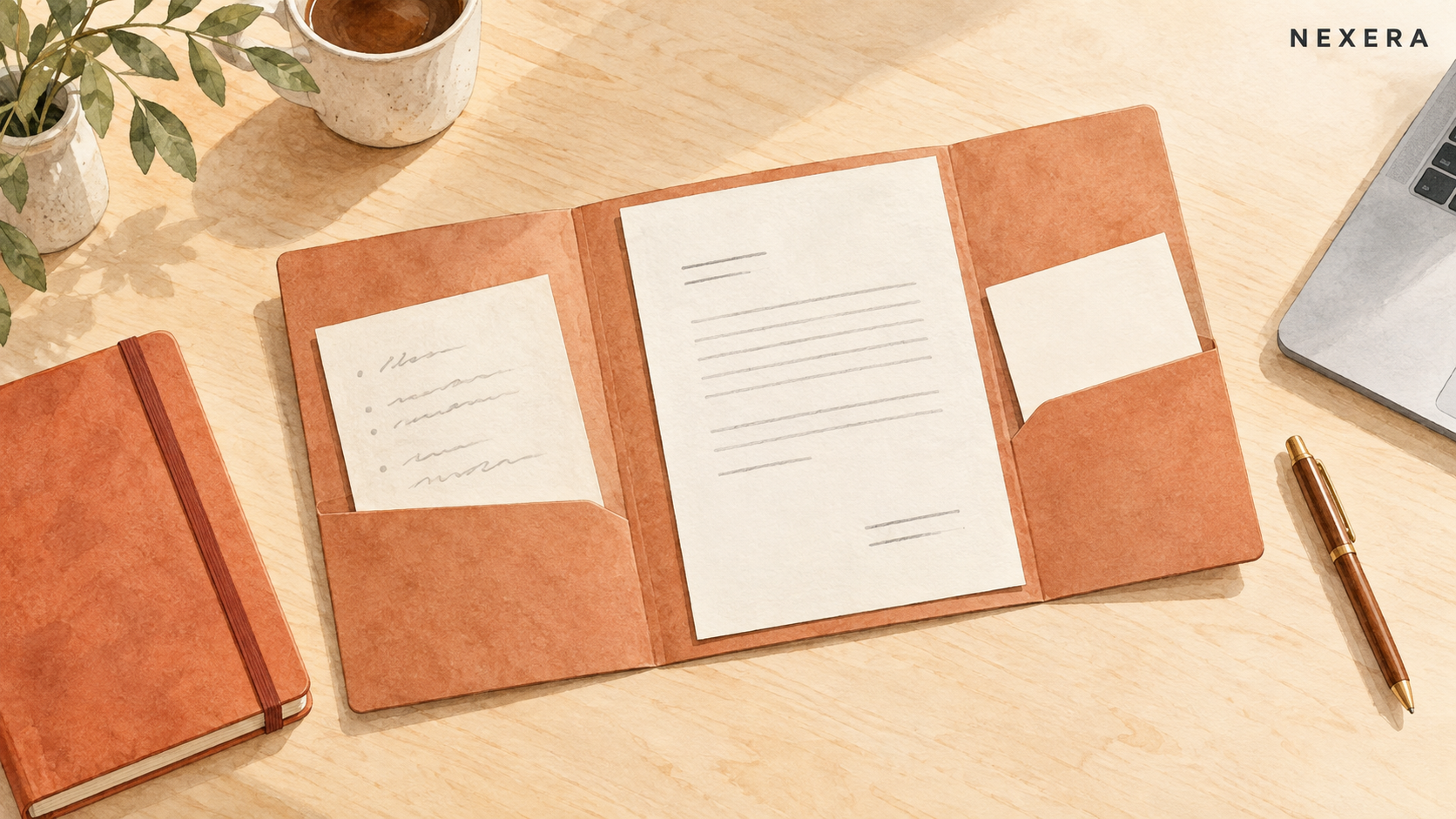
Before the workshop, put together a small practice folder: a short set of notes, an example of a message you would be comfortable sending, and a sentence explaining who will read it.
The finished example matters. Saying "make it professional" leaves a lot open. Showing a short, friendly message gives you and the trainer something concrete to compare against.
For training, remove customer names, addresses, account details and anything confidential. An invented example clearly labeled for practice is enough. You can learn the process without uploading a customer's file.
Also write down what must never change: a price, a promised date, a description of work completed. If a detail is missing, the draft should leave it unresolved.
Watch one useful draft take shape
Here is a fictional practice example for a service business. The notes say: "Site visit complete. Replacement part ordered. Arrival date not confirmed. We will update the customer on Friday."
An instruction you could try is: "Write a short customer update using only these notes. Keep the tone friendly and direct. Do not invent a delivery date or promise that the repair is finished. If you need information I have not provided, ask me."
The point of the exercise is to turn rough notes into a usable draft. It does not require the AI to decide when a part will arrive, what a repair should cost or what your business should promise.
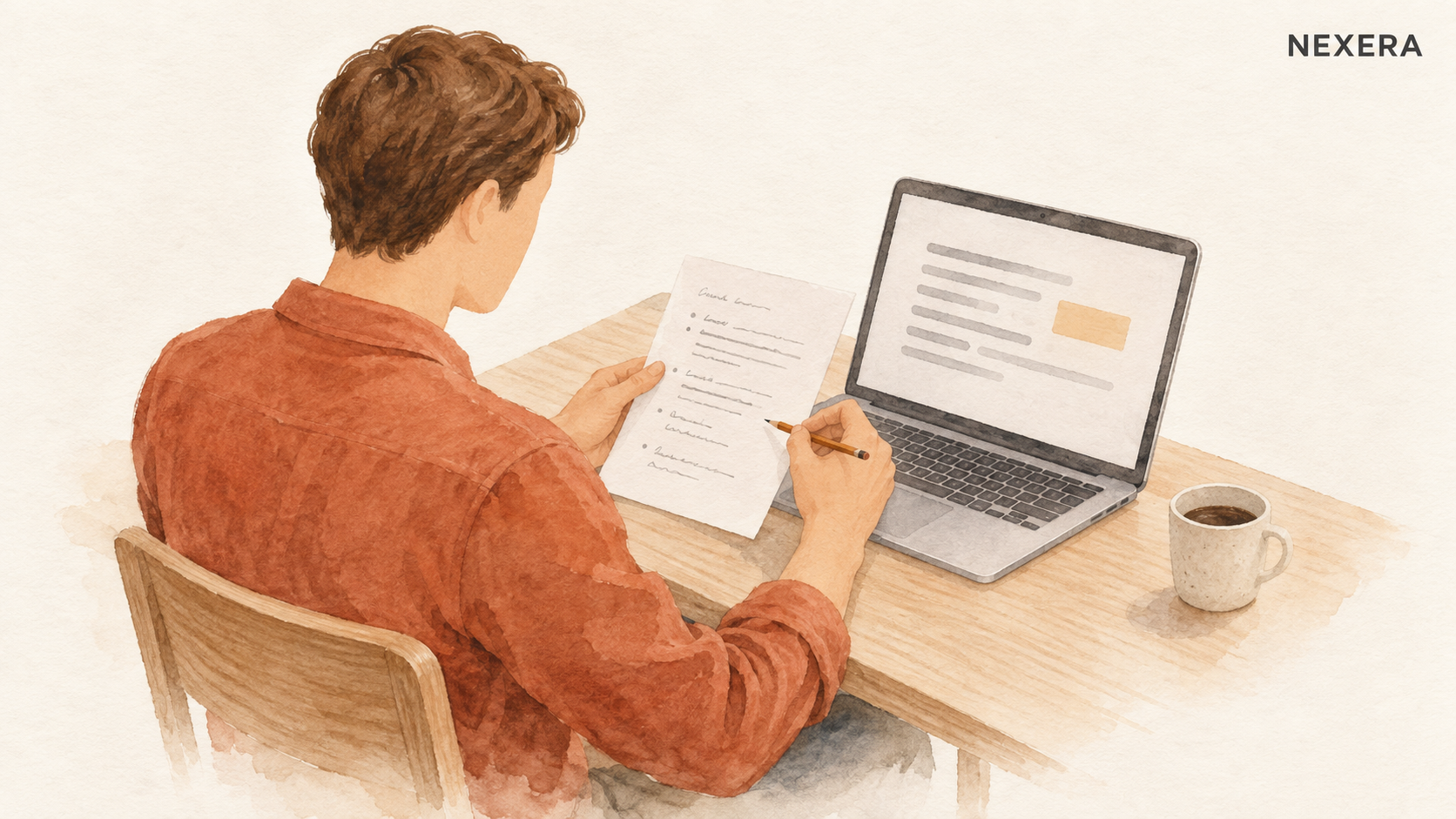
Read the result beside the original notes. Did it keep the arrival date uncertain? Did it say the visit was complete, rather than the repair? Is the Friday update still there? Does the message sound like something you would send?
If the draft is too long, ask for a shorter version. If it sounds formal, show the friendly example you brought. Change one thing at a time so you can see which instruction improved it.
A useful workshop gives you space to do that yourself. Watching someone else produce a polished answer does not tell you whether you can use the tool when they leave.
Learn what still needs your judgment
A fluent sentence can contain a wrong fact. The National Institute of Standards and Technology describes this risk in its guidance on generative AI: a system can produce false information and present it confidently.
For the practice update, that could mean adding a delivery date that was never in your notes. Telling the tool not to invent details is useful, but it does not remove the need to check.
Keep sending separate from drafting. You read the message, correct it and decide whether it is ready. The AI does not get to make a commitment to your customer because the wording sounds convincing.
Ask the trainer to show you where you can review the tool's data settings and what information is appropriate to use. Get a specific answer about the account you will actually use. Do not assume every tool or plan handles information the same way.
Try the next example without help
Before the session ends, start a fresh draft with a different practice example. Use the saved instructions, check the result and make your own corrections.
This is a useful test of the training. Can you find the saved instructions? Do you know where to put the new notes? Can you spot a missing detail or a promise the tool should not have added?
If you get stuck, work through that step while the trainer is there. Leave with a short set of instructions you understand, a sample result and a clear list of things to check. You should not need to remember an entire presentation.

Decide whether it earns a place in your week
Try the process on a few suitable tasks. Compare the whole job with your usual approach, including preparation, checking and corrections.
If you spend longer fixing the draft than you would have spent writing it, record that. You might need better instructions, a smaller task or a different approach. It is also reasonable to decide that this particular use is not worthwhile.
You do not need a predicted percentage saving to make that decision. You need to see whether the result is accurate, useful and manageable in your own working day.
If you run a small business in New York and want to work out where to start, bring one everyday task to a 30-minute consultation. We can talk through what you would try first and what you would keep in your hands.
Want one of these every other week?
Field notes from active Nexera engagements. No newsletter theater, no growth-hacks. Drop a line on a 30-min consult and we will add you to the rare-send list.