Apr 28, 2026 - 5 min read
Your AI Tools Don't Talk to Each Other
A founder I met with last week pulled up his laptop and walked me through his AI stack. ChatGPT for writing. A scheduling assistant. A receipt-scanning app. A meeting notetaker. A...
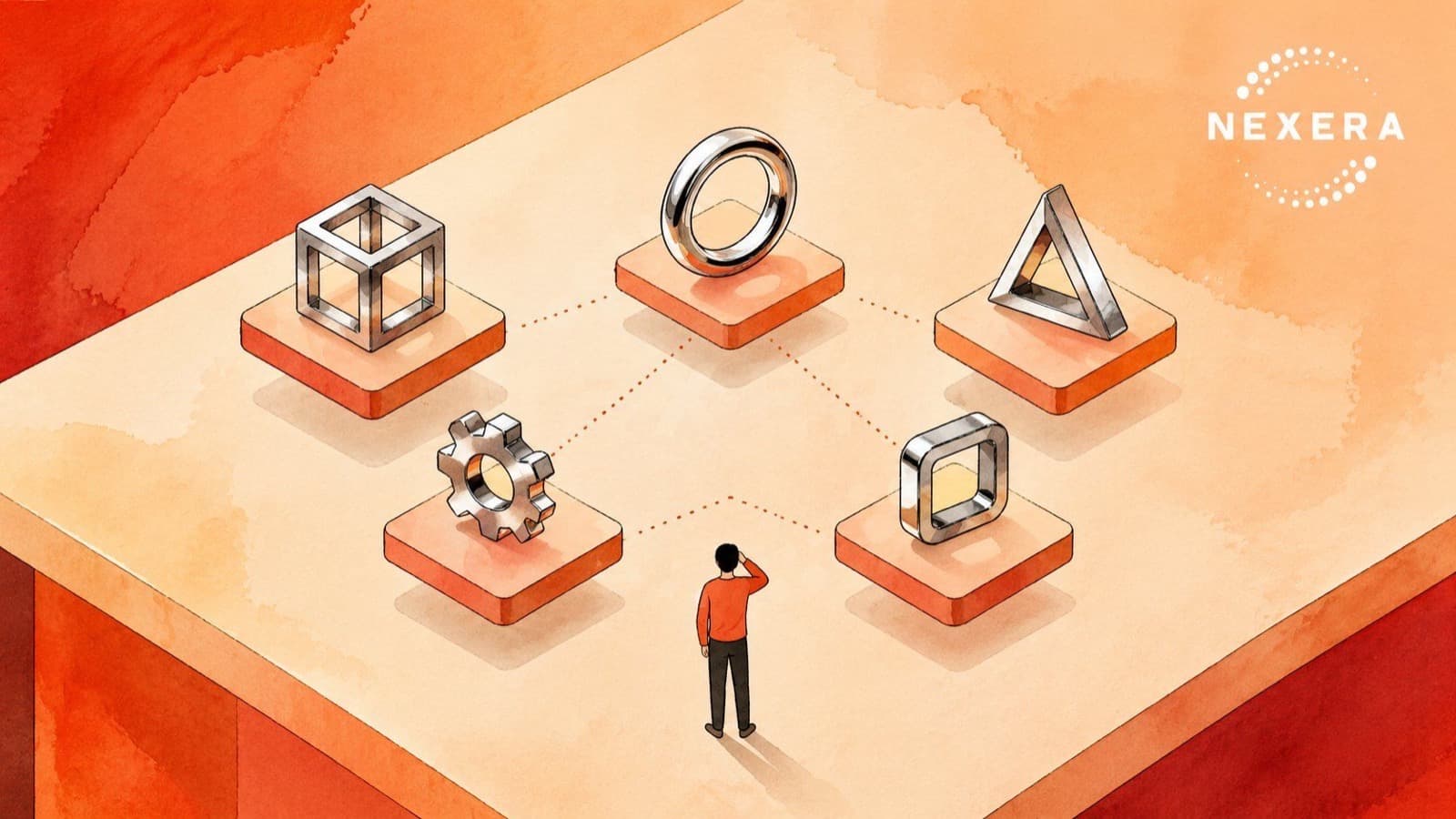
A founder I met with last week pulled up his laptop and walked me through his AI stack. ChatGPT for writing. A scheduling assistant. A receipt-scanning app. A meeting notetaker. A separate tool for proposals. He was proud of the lineup, and he should have been. A year ago he wasn't using any of it.
Then I asked him a simple question. "How do they talk to each other?"
He looked at me for a second. "What do you mean?"
That's where I want to start today.
At Nexera Intelligence we work with small and mid-sized businesses across NY, NJ, and Miami. Most of our clients are not behind on AI anymore. They have tools. They use them. They like them. The conversation has shifted from "should we be using AI" to "we are using a lot of AI and somehow it still feels like things slip through the cracks."
There's a reason for that. And it has nothing to do with the tools being bad.
The next phase of AI value for SMBs is not adding another assistant. It is making the ones you already have talk to each other.
The Adoption Milestone Is Real
According to the SBE Council's 2026 Small Business Tech Use Survey, 82% of small business employers have invested in AI tools. The average small business now uses a median of five AI tools and plans to add more. 93% say they will keep investing, and 62% plan to spend more on AI in the next year.
That is real progress. Two years ago, most conversations I had were about whether AI was a fad. Now the question is operational. People are running pilots, training their teams, and getting comfortable with day-to-day usage.
But there's a quieter problem hiding inside that adoption number. Five tools is a lot of tools. And most of them were never designed to know about each other.
Five Tools, Five Silos
Here is what tool sprawl looks like in practice.
Your AI notetaker captures every client meeting, but the action items live in a separate app. Your scheduling assistant books a follow-up call, but it doesn't know the last meeting ended with a request for a proposal. Your proposal generator pulls a template, but it can't see the notes from the discovery call. Your CRM has a contact record, but the AI inbox tool that drafted yesterday's reply has no idea that contact is now in your pipeline.
Each tool, on its own, is doing its job. The problem is that the value of a tool roughly doubles when it shares context with the next one. Five tools that don't talk are not five times more valuable than one. They are five separate islands.
The math gets worse the more you add. Every new tool that doesn't connect to the others adds friction. Someone on your team becomes the human router, copy-pasting between tabs, retyping the same context, re-explaining who the client is.
That person is the bottleneck. They didn't sign up to be one.
Signs Your Tools Are Not Talking
This shows up in small but specific ways. You'll know it when you see it.
You ask your team to send a follow-up email after a meeting and they spend ten minutes re-reading the notes. Your project tool says one thing, your billing tool says another, and nobody can reconcile them quickly. You hire someone new and onboarding requires giving them logins to nine different systems, none of which share a clean view of any single client. A client asks "where are we on this?" and the answer requires three apps and a Slack search.
If any of that sounds familiar, you are not alone. It is the most common pattern we see in businesses that have crossed the AI adoption line and are now in the messy middle.
What Integration Actually Looks Like
The fix is rarely a new tool. It is usually a layer that sits on top of the tools you already have.
Sometimes that's a connector built into the platforms themselves. Modern AI tools are quietly getting better at this through a standard called MCP, which lets one AI assistant pull context from another tool in real time. Sometimes it's a lightweight automation that watches for a specific trigger, like a new meeting transcript, and fans the output into the right destinations. Sometimes it's a shared knowledge layer where every tool reads from and writes to the same source of truth about your clients, projects, and decisions.
What it looks like in your day-to-day is simple. The notetaker captures the meeting. The summary lands in your client folder automatically. The action items show up in your task tool. The follow-up email is drafted in your inbox. The CRM gets updated. You did none of it by hand.
That is not science fiction. That is a Tuesday.
How to Start Without Adding a Sixth Tool
The instinct when something feels broken is to buy something new. Resist that. Most SMBs already have the tools they need. They just have not connected them.
Start by listing the AI tools you actually use this week. Not the ones you signed up for and forgot. Then walk through one full client journey, start to finish, and write down every place a human is moving information from one tool to another. Those handoffs are your map. They show you exactly where the integration work pays off first.
Pick one. The one that costs the most time or the one that fails most often. Connect those two tools first. Live with that for a couple of weeks. Then go to the next one.
This is unglamorous work. It is also where the next layer of ROI comes from. The 35% reductions in operational costs and 37% productivity gains that AI-mature SMBs are reporting in 2026 are not coming from a single magic tool. They are coming from the second-order work of stitching the tools together.
The Bottom Line
Adoption is the easy part now. Connection is the next one. If your team has five AI tools and still feels like things slip through the cracks, the problem is not that you need a sixth. The problem is that the five you have are working in isolation.
If you want help mapping where your handoffs are leaking time and where integration would pay off fastest, that is the kind of work we do every day at Nexera Intelligence. Book a free consultation at nexeraintelligence.com and we'll take a look at your stack with you.
Want one of these every other week?
Field notes from active Nexera engagements. No newsletter theater, no growth-hacks. Drop a line on a 30-min consult and we will add you to the rare-send list.