Sep 29, 2026 - 6 min read
Your Custom GPT Has an Expiration Date
OpenAI retires custom GPTs on December 11. The migration moves the easy parts. Here is what breaks, and how to keep your team's AI work from getting stuck in someone else's tool.
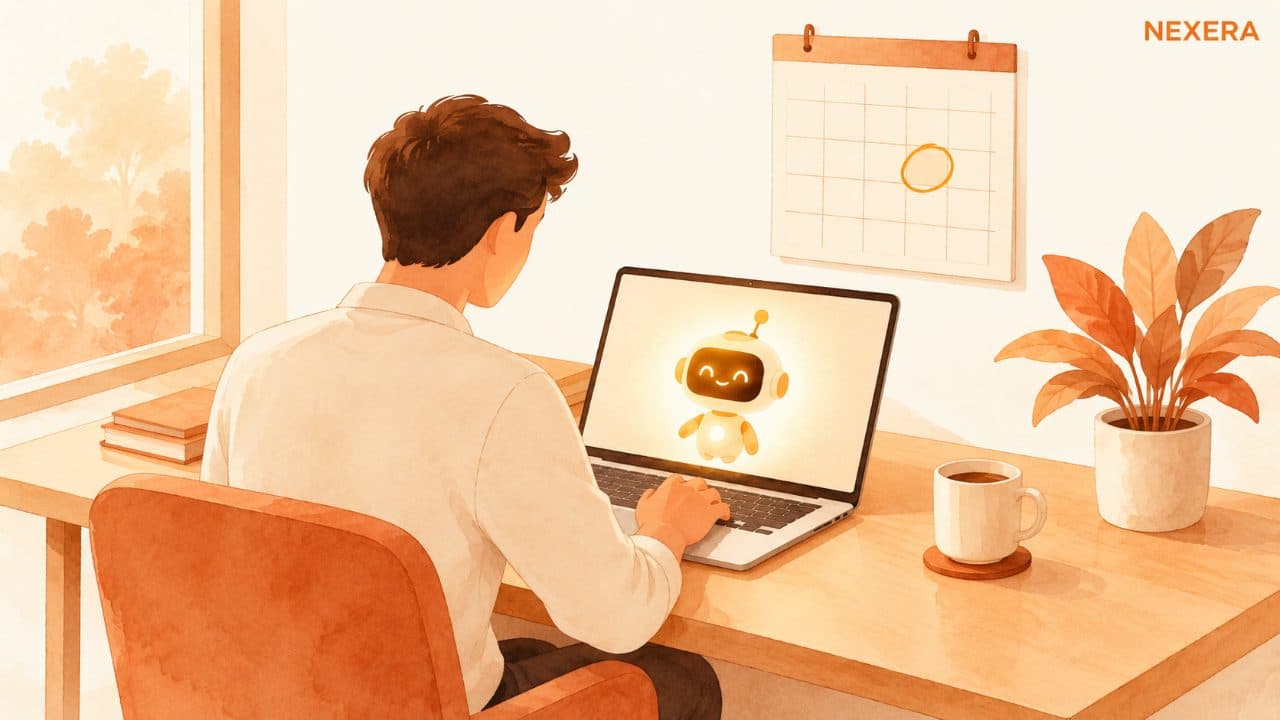
Somewhere in your company there is probably a custom GPT that one person built on a slow afternoon.
Maybe it drafts quotes in your house style. Maybe it answers new-hire questions from the employee handbook. Maybe it turns a job-site voice memo into a clean summary for the client. It started as an experiment, it worked, and now three or four people use it every day without thinking about it.
Nobody wrote down how it was set up. The person who built it might not even remember.
That tool now has a retirement date. On September 11, OpenAI announced that custom GPTs are being retired on December 11, 2026, across all ChatGPT plans, with a later date only for Enterprise workspaces that get an approved deferral. They are being replaced by something OpenAI calls plugins. According to OpenAI's own migration FAQ, there is a one-click path to move a GPT over.
One click sounds easy. It is easy for about half of what you built.
What the button moves
The migration handles the parts that are basically text. Your GPT's instructions become what OpenAI calls a skill inside the new plugin. The knowledge files you uploaded, like the price sheet, the handbook, and the sample proposals, get copied over as reference files. Connected apps come along too.
If your GPT was a well-written set of instructions plus a few documents, you are in decent shape. Migrate it, run it, and compare.
The trouble is in what the FAQ says does not carry over:
- The model you picked for the GPT does not transfer.
- Custom actions do not transfer through the migration workflow.
- Your existing conversations stay behind with the old GPT.
- Sharing settings do not carry over. A migrated plugin starts private.
If your team shares a GPT, that last one matters most. The morning after you migrate, the person who built it may be the only one who can see it.
The part that did the real work
Most custom GPTs are harmless. They write, summarize, and answer questions. Losing one would be annoying and nothing more.
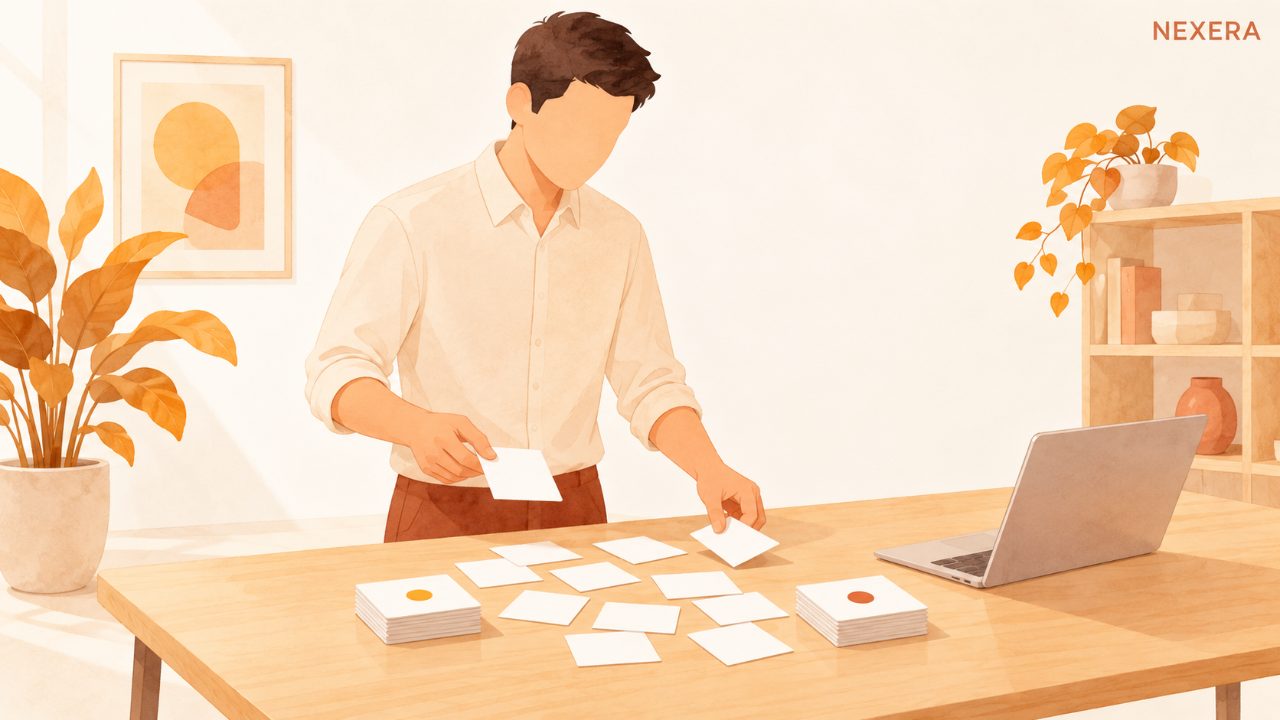
The ones worth worrying about are the GPTs with custom actions. That is the feature that let a GPT reach outside ChatGPT and talk to your other systems: look up an order, check a calendar, pull a record from your CRM, push a row into a spreadsheet. If someone on your team set one of those up, it is quietly holding a piece of your operations together.
That is exactly the piece that does not migrate on its own. OpenAI's guidance is to rebuild it using available apps or a custom connection. That is real work, and it is the kind of work that tends to get pushed to the second week of December.
There is also a quieter risk. Early hands-on reports, including a walkthrough in Visual Studio Magazine, found the migration itself went smoothly but raised a fair question: will the new version follow your instructions as closely as the old one did? Same words, new container, and no guarantee of the same answers.
So the thing that breaks might not throw an error. It might just start writing quotes that are a little off.
Do this before December, not in it
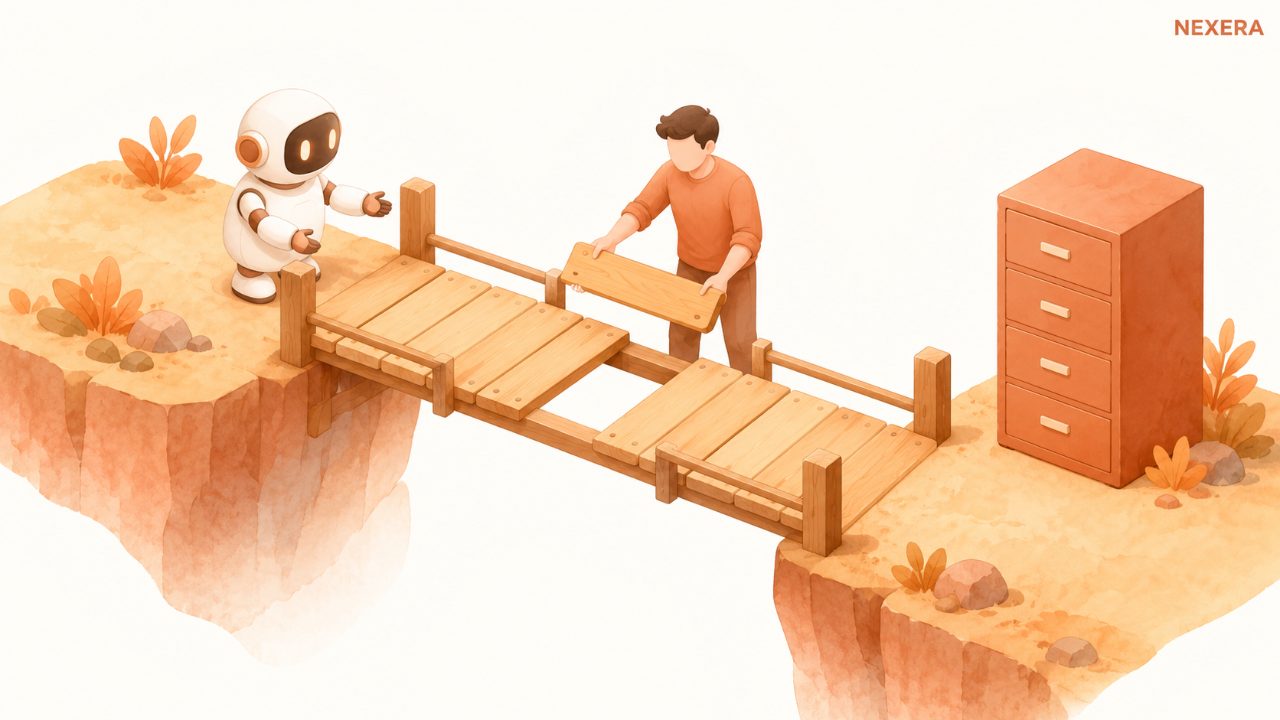
This is a two-hour job if you do it in October and a fire drill if you do it the week of the deadline. Here is the order I would go in.
- Make a list. Open My GPTs in every account that matters and write down every GPT your business actually uses, who built it, and who relies on it. Ask the team, because the most important one is often in someone else's account.
- Sort it. Put each one in one of three buckets: text only (instructions and files), uses actions, or nobody uses it anymore. The third bucket is usually bigger than you expect. Let those go.
- Save the source. Before you touch anything, copy each GPT's instructions and download its knowledge files into a shared folder your business owns. This takes minutes and it is the step people skip.
- Migrate one and test it side by side. The original stays usable, in read-only form, until the retirement date. Run the same five real tasks through the old GPT and the new plugin and read the answers next to each other.
- Rebuild the actions on purpose. For anything that connected to another system, decide whether it still needs to, then rebuild that connection properly with someone who knows what it touches.
- Re-share it. Put the plugin back in front of the people who use it, and tell them what changed.
None of this is technical. It is mostly an inventory with a deadline attached.
The bigger lesson is portability
I do not think OpenAI did anything wrong here. Plugins look like a better design, and a three-month runway is reasonable. Software changes. Every AI vendor you use will eventually retire, rename, or rebuild something your team depends on.
What this deadline exposes is where your work actually lives. For a lot of small businesses, the best prompts they have ever written, the ones that sound like the company and handle the weird edge cases, exist only inside a GPT builder screen. That is business knowledge. It deserves the same treatment as your price list or your onboarding checklist.
The fix is simple and a little boring. Keep a master copy of every set of AI instructions your business depends on in a document you own. Keep the reference files in your own shared drive. Note which tools each one connects to and who maintains it. Then when a vendor moves the furniture, you are copying and pasting from your own folder, not reverse-engineering a tool that just went read-only.
The businesses that treat their prompts like property will barely notice December 11. Everyone else will find out which GPT mattered on the day it stops working.
Where to start this week
Pick one person, give them an hour, and have them build the list from step one. That list alone will tell you whether this is a nothing project or a real one.
If it turns out to be a real one, or you would rather have someone who has done this before handle the actions and testing, that is the kind of work we do at Nexera Intelligence. We help small and mid-sized teams keep the AI tools they rely on working, and keep the know-how inside them owned by the business, not by a settings page.
Want one of these every other week?
Field notes from active Nexera engagements. No newsletter theater, no growth-hacks. Drop a line on a 30-min consult and we will add you to the rare-send list.