
Sep 14, 2026 - 5 min read
What the Cheaper Quote Leaves Out
The lowest price is easy to spot. The missing delivery charge and unclear deadline take more work. AI can help you find the questions to ask before ordering.

You're about to choose the cheaper supplier. Then you notice the delivery line is blank.
Maybe delivery is included. Maybe it isn't. The other quote includes it, but costs more. And somewhere in the email thread, someone said the order would be ready next week. Ready to leave the warehouse, or ready at your door?
You came here to place an order. Now you're searching three attachments and an email chain to work out what either price actually buys.
AI can pull those scattered terms into one view, with the missing charges and dates still visible. Before you approve the order, you need to know which questions still belong with the supplier.
The lower price gets your attention first
Say you run a print shop and need 500 boxes for a customer's order by Friday. One supplier has a better price per box. The other is more expensive, but its quote includes delivery and spells out when the boxes will arrive.
The cheaper option has a minimum order of 1,000 boxes. Enough for this job, plus several cartons you'll need to find space for. Maybe you'll use them next month. Maybe this customer needs a different size next time.
Nothing about that makes the cheaper supplier a bad choice. It does mean the price per box is only answering part of the question. You still need to know how much cash leaves the business, how much stock comes through the door, and whether it gets there before your customer needs it.
The cheaper quote puts the unit price beside the product and the minimum order down in the terms. "Delivery available" still leaves you to ask what it will cost.
By the time you've lined it all up, you've done a fair amount of work just to get back to the decision you thought you were ready to make.
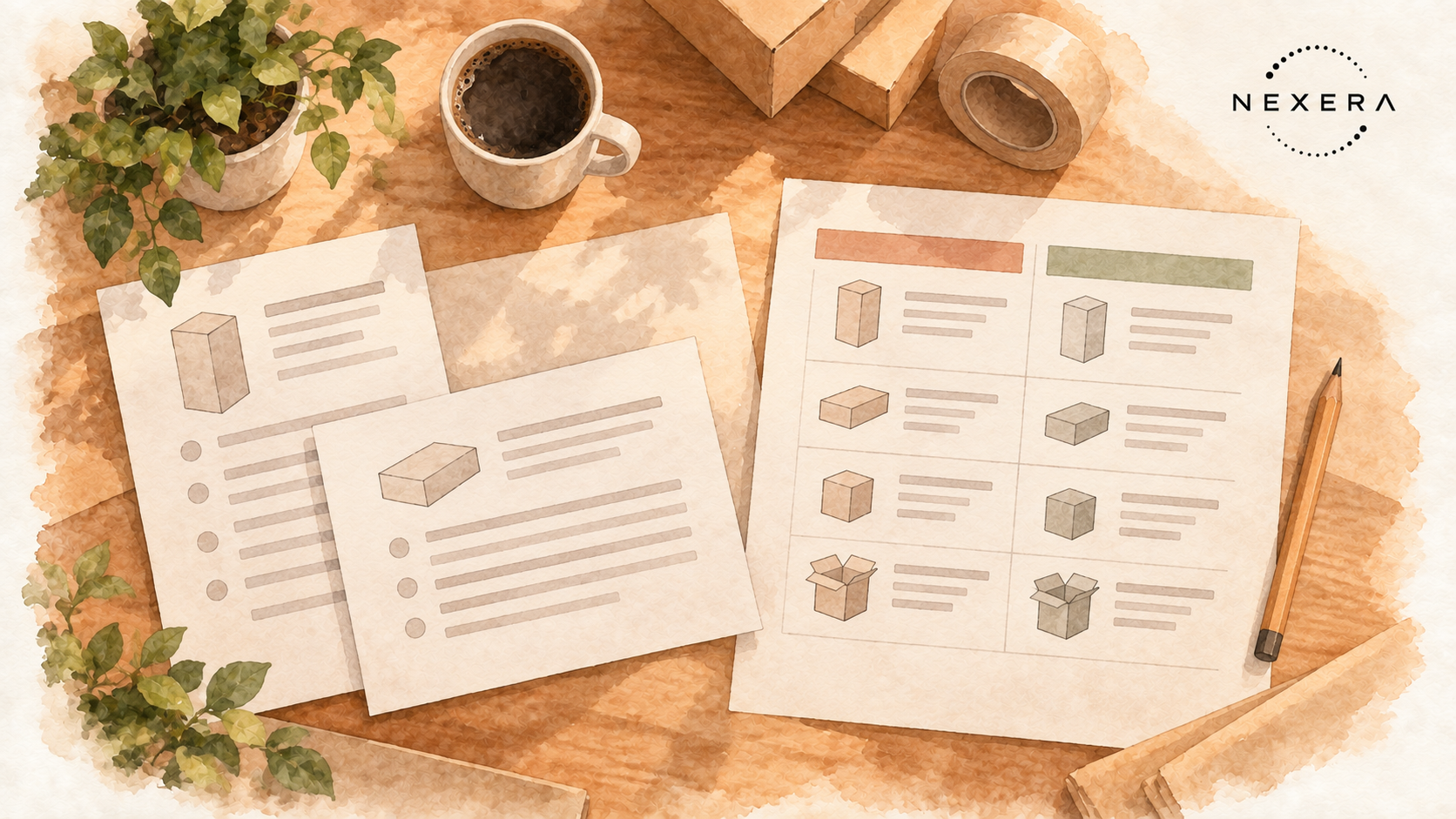
The software can read the quotes together
Document comparison is already built into some of the tools businesses use. Microsoft's OneDrive documentation specifically lists comparing vendor quotes on cost and completion time. Its Copilot feature can compare up to five files, although images and videos aren't supported. Check whether your account has that feature before going shopping for another tool.
For the print-shop example, the useful request is straightforward: put the same details from both quotes next to each other. Quantity. Price for that quantity. Extra charges. Delivery date. Anything one supplier includes that the other leaves out.
Then add the instruction that makes the comparison worth reading: leave missing information visible. A blank delivery charge must stay unresolved until someone confirms it.
You could ask:
Compare these quotes for the quantity and delivery date I need. Show the total charges each supplier states, the differences in what's included, and anything I still need to ask. Point me to the page or email behind each detail. Don't fill in missing information.
Use the complete, current quotes in an account your business approves for that information. A comparison of last week's price and this week's revision would send you into the wrong conversation before you've even called the supplier.
The unanswered question may change the order
Back at the print shop, suppose the comparison shows that the lower unit price requires twice the quantity needed for this job. Delivery is still unpriced. The other supplier will sell the amount required and has confirmed the arrival date.
That gives you something useful to discuss. Can the first supplier reduce the minimum? What is the delivered total? Does "next week" meet the deadline you've already promised your customer?
You might still choose that supplier. But now you're choosing with the unresolved terms in front of you, rather than remembering the smaller number at the top of the page.
Check the important rows against the original quotes before acting on them. AI can put an answer in the wrong column or miss a condition. Follow its references, check the arithmetic, and keep "not stated" separate from "not included." A neat table doesn't settle a question the supplier hasn't answered.
You know things the quote doesn't
There's still a reason the order comes back to you.
You know which supplier picked up the phone when a delivery went wrong. You know whether an extra carton will get used or sit in the corner for six months. And you know what happens to the customer relationship if this particular job is late.
Those things belong in the decision even when they don't have a row on the quote. An AI comparison can organize the written terms. It can't establish that a supplier will keep a promise because the wording sounds convincing.
Sometimes the more expensive quote will be worth it. Sometimes a short conversation will clear up the cheaper one. Having the details together lets you spend your attention on that choice instead of hunting for the delivery clause again.

Send the question that actually needs answering
For this order, the next email could be two sentences: "Can you supply 500 boxes instead of the quoted minimum of 1,000, and confirm the total delivered cost including any extra charges? We need them at our door by Friday; can you meet that date?"
Try it with the next pair of quotes that takes longer to compare than it should. If you want to work through an example from your business, bring it to a 30-minute consultation.
Want one of these every other week?
Field notes from active Nexera engagements. No newsletter theater, no growth-hacks. Drop a line on a 30-min consult and we will add you to the rare-send list.